Design
Generate your site’s images right in the chat
Ask the CodeScout agent for images in any language: text to image, transforming an existing image, editing part of it, all saved to your project.
· 2 min read
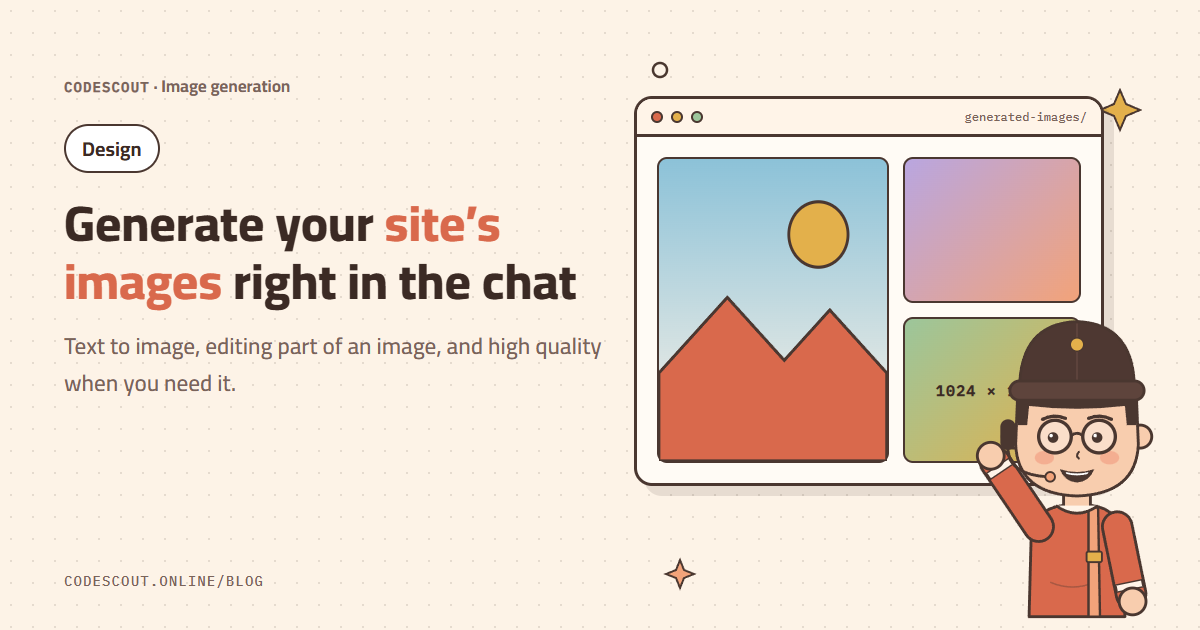
Images are what delay most launches: a hero image, icons, backgrounds, product shots. In CodeScout you can ask for an image in the same chat where you are building the site, and the agent generates it and puts it in place.
Just ask
Make a hero image of a cozy café at sunrise in orange and brown,
and put it in the hero section of the homepage.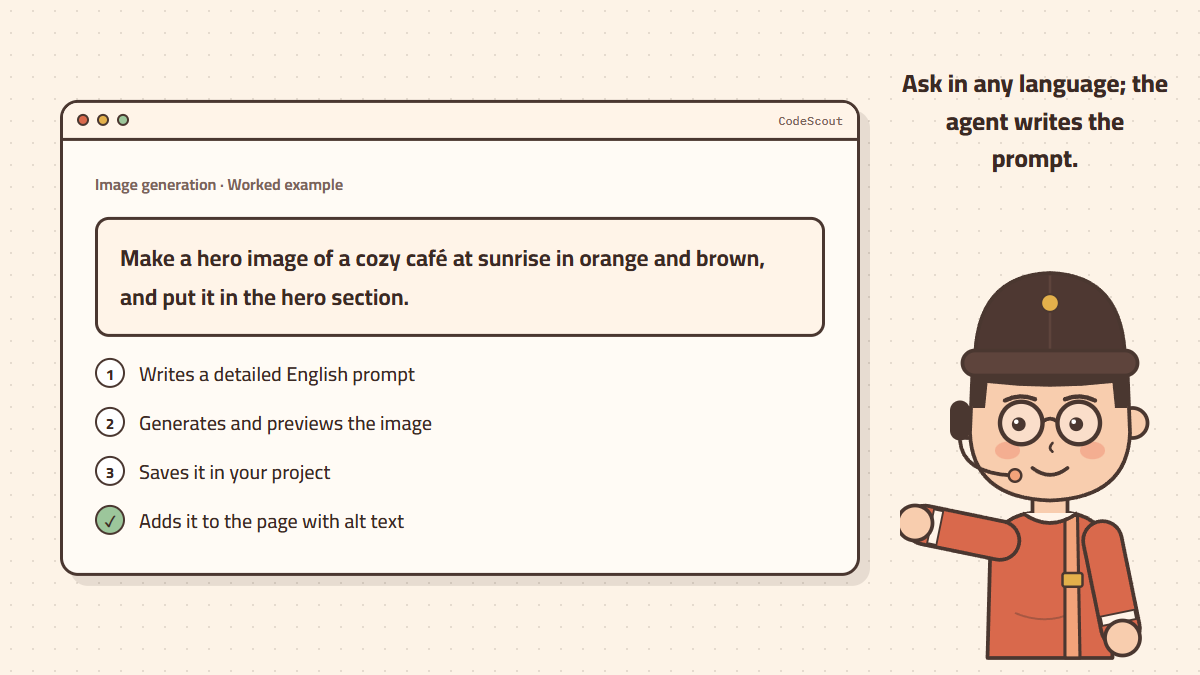
The agent writes a detailed English prompt from your request, generates the image and previews it in the chat, saves it to your project (in generated-images/ by default), and then adds it to the page with suitable alt text.
Kinds of requests
| Kind | Example |
|---|---|
| Text to image | "A coffee cup on a wooden table in soft light." |
| High quality | "The same image, best quality." |
| Image to image | Attach an image and write: "Turn it into a watercolor style." |
| Edit a part | "Change the sky in this image to a sunset." |
Describe it well
- Subject: exactly what is in the picture.
- Style: photo-realistic, flat illustration, 3D, watercolor.
- Light and color: "warm sunrise light, brown and orange".
- Composition: "empty space on the right for text" matters a lot for hero images.
Each image is charged only when generation succeeds, and there is a daily image limit that resets every day. Details in the image generation guide.
Together with the design skill
When you ask for a full page, the agent decides which images matter for the design and generates them in your brand colors. That is why it is better to ask for a few key images than many, and let simple icons be drawn in code. See the full example in a professional landing page from one request.