Design
A professional landing page from one request
Build a polished landing page, right-to-left Arabic included, with generated images, using the CodeScout UI skill the agent loads automatically.
· 2 min read
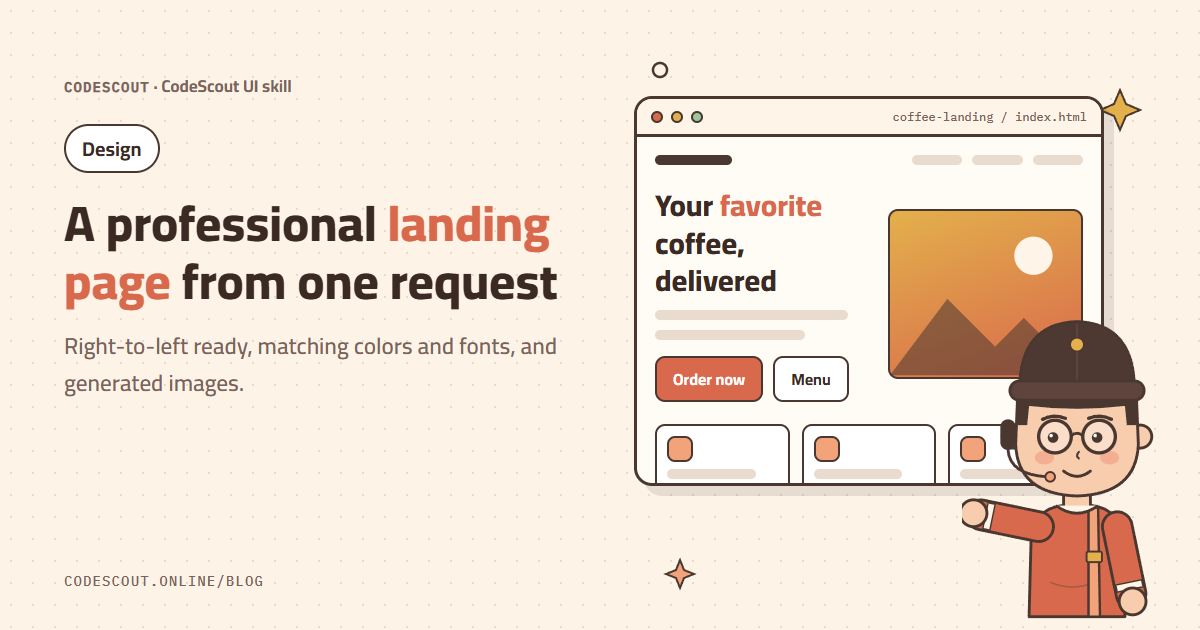
A landing page is the first impression of your product. For an Arabic audience the bar is higher still: right-to-left layout, readable Arabic fonts, and icons and arrows that point the right way. CodeScout handles all of this when you ask for a design, because it loads the CodeScout UI skill automatically.
What is the CodeScout UI skill?
It is a professional design guide built into the agent: curated styles, color palettes, font pairings and UX rules. As soon as you ask for a website, page or app screen, the agent uses it to pick a consistent style instead of a random design.
Write the request
Design an Arabic landing page for a coffee roastery: hero with an image,
features, a price list, customer reviews, and a WhatsApp order button.
Warm and simple style, and it must work well on mobile.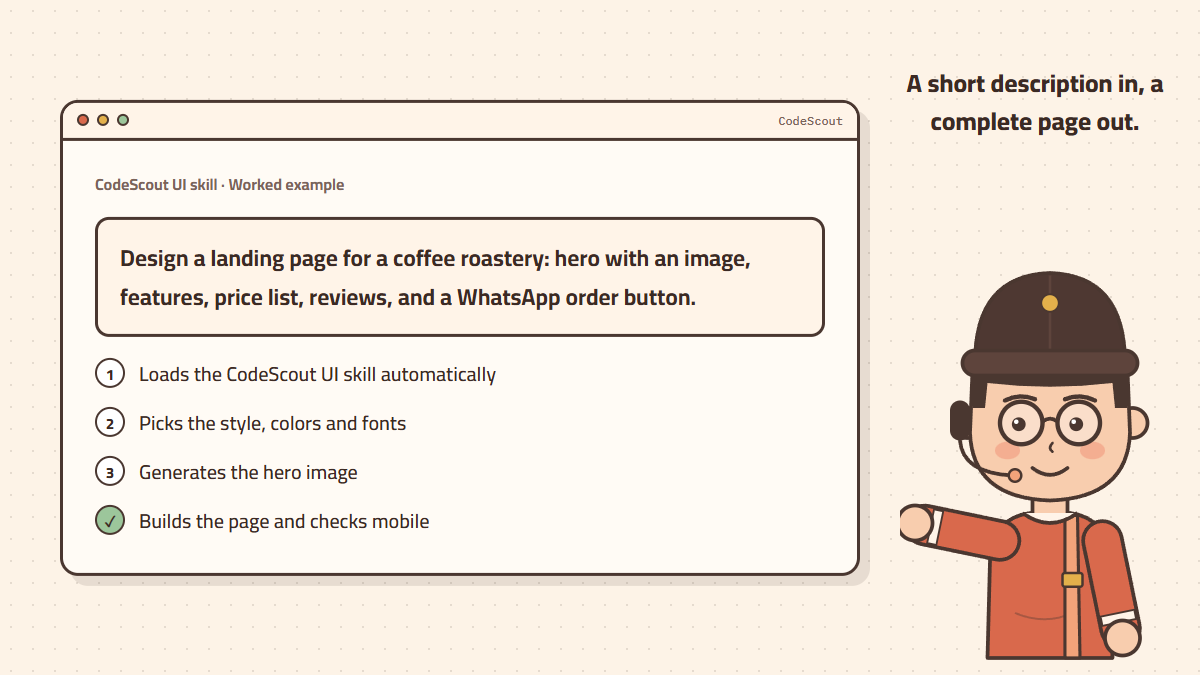
What happens next
- 01The agent identifies the product and audience, then picks a style, palette and fonts suited to Arabic.
- 02It generates the hero image and saves it to your project’s images folder.
- 03It builds the page with
dir="rtl"and logical CSS properties so everything mirrors correctly. - 04It checks the layout at phone and tablet sizes and fixes any issue.
Tips for a better result
- Name the feeling you want: "premium", "playful", "formal", "warm".
- If you have brand colors, write them: "primary #D96C4F, cream background".
- List the sections in the order you want, and name the most important button.
- Ask for one version first, then refine it with small requests instead of starting over.
Generated images are charged only when they succeed, and there is a daily image limit. Details in the image generation guide.
From design to launch
When you like the page, ask the agent to get it ready for launch: compress images, add a search-friendly title and description, and a social share image. To show up on Google, read improve your Arabic site on Google with /seo mode.