Tips
7 rules for prompts that get better results
The gap between a vague request and a clear one is the gap between one try and ten. Seven practical rules for prompting a coding agent that save time and credit.
· 3 min read
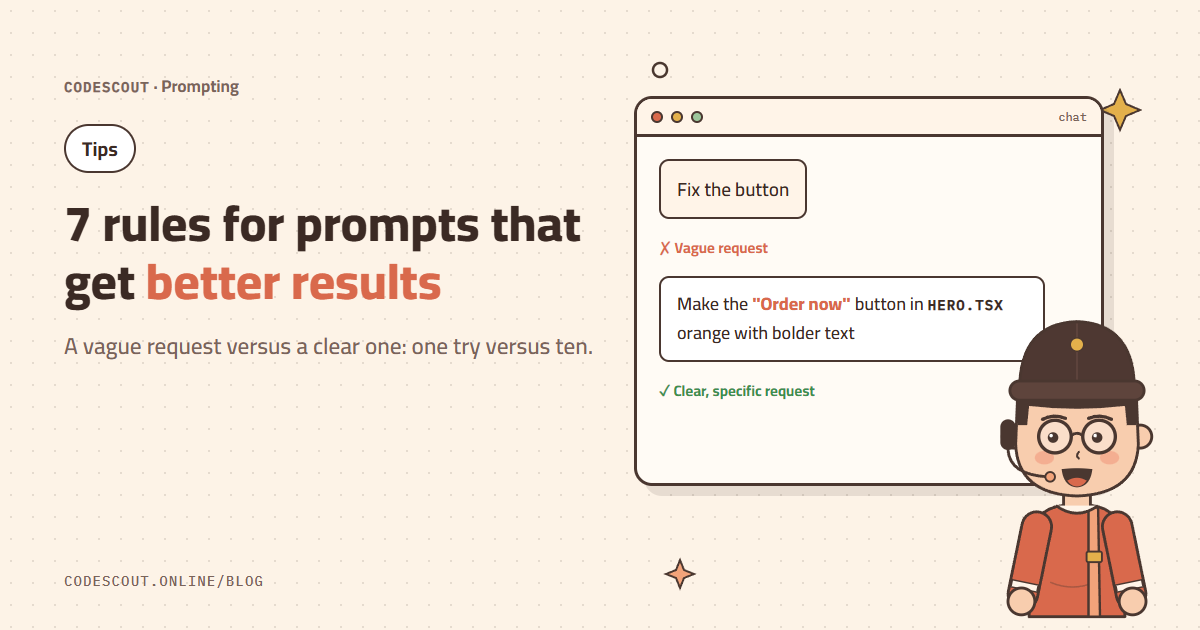
The agent is smart, but it can’t read your mind. Every missing detail gets guessed, and every wrong guess means another round and more credit. These seven rules will make most of your requests land the first time.
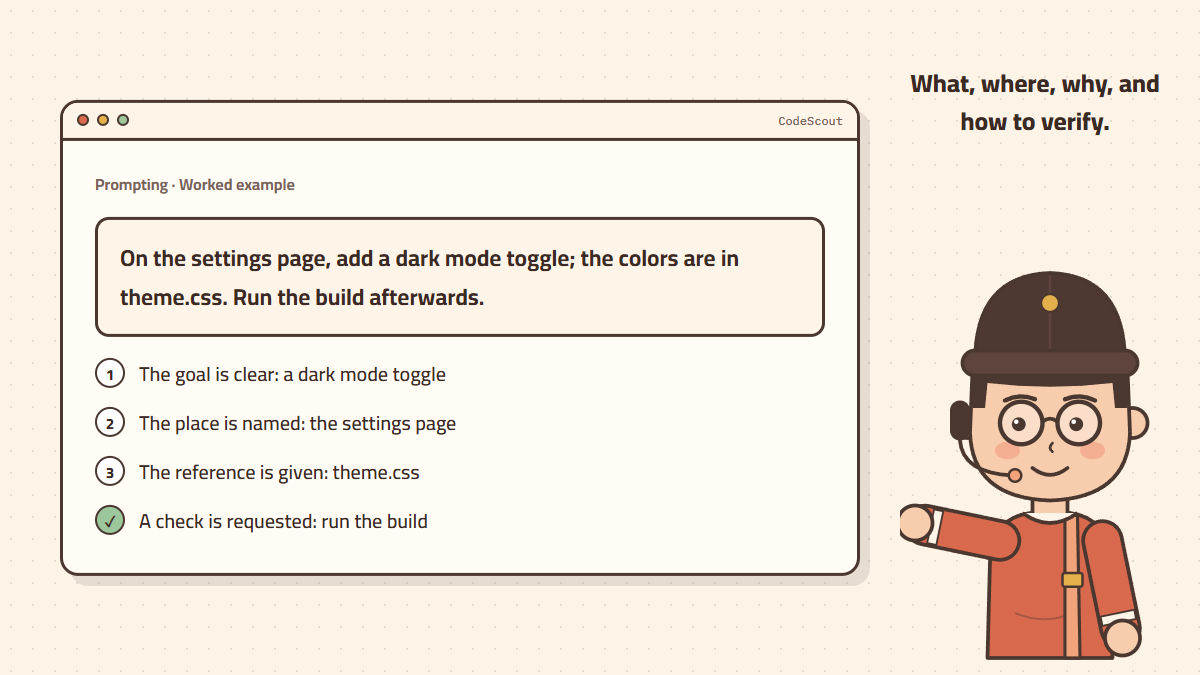
1. Say "what" and "why"
Instead of "fix the button", write: "Make the Order now button on the homepage bigger, because mobile visitors miss it." The reason helps the agent make good calls on details you didn’t mention.
2. Name the place
A file, page or component name saves the agent search time: "in Hero.tsx" or "on the settings page".
3. Share the references you have
The full error message, a screenshot, a docs link, or "the colors are in theme.css". Whatever you already know, hand it over instead of making the agent look for it.
4. State the constraints
- "No new libraries."
- "Don’t change the API shape."
- "It must work in older browsers."
5. Ask for a plan on big tasks
For large changes start with: "Propose a plan to build the coupon system without writing code." Review the plan, adjust it, then ask for the implementation. For very long tasks use /goal so the agent keeps going across several rounds.
6. Ask it to verify
End your request with "run the tests" or "run the build and make sure it passes". That way the agent catches and fixes its own mistakes before it reports back.
7. One task per chat
Short, focused chats are more accurate and cheaper. When a task is done, start a new chat for the next one. If a chat gets long, use /compact to summarize it and continue with less context.
Write in Arabic, English, or both. Clarity matters, not the language.
Before and after
| Vague | Clear |
|---|---|
| Fix the page | The checkout page is blank on Safari. Console error: … Fix it and run the build. |
| Add search | Add a search box to the product list that filters by name as you type, without server requests. |
| Make the site faster | Measure the homepage size and name the 3 biggest causes of slowness before changing anything. |