Tips
Pick the right quality level and save credit
When to use Very Low and when Max is worth it in CodeScout: a practical guide to matching the quality level to each task and making your credit last.
· 2 min read
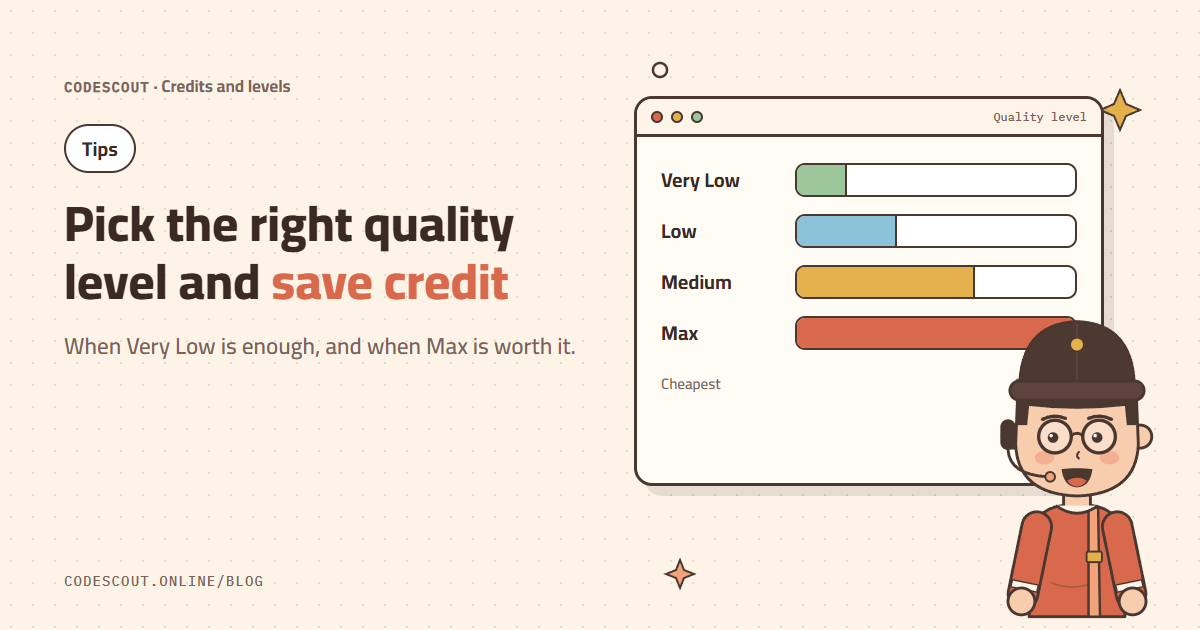
In CodeScout you choose a quality level for each message: Very Low, Low, Medium or Max. Higher levels use stronger models that handle hard tasks better, but they spend credit faster. The trick is to choose by task, not by habit.
Quick guide
| Level | Use it for |
|---|---|
| Very Low | Short questions, explaining a function, quick lookups, text edits. |
| Low | Small, clear edits, code formatting, longer explanations. |
| Medium | Most daily work: a new feature, a bug fix, a full page. |
| Max | Large refactors, hard bugs, architecture decisions, sensitive code such as payments. |
The exact multiplier for each level is on the pricing page and in the docs.
Five habits that save credit
- 01Start small: try the lower level first and raise it only if the result isn’t good enough.
- 02One chat per task: every message carries the chat’s context, so long chats cost more.
- 03Use `/compact`: when a chat gets long and you still need it, summarize and continue.
- 04Clear from the start: one precise attempt is cheaper than five vague ones.
- 05Plan high, build medium: ask Max for the plan, then run its clear steps on Medium.
Track your usage
The stats page shows your usage day by day, and the credits page shows your current balance. When your credit runs low you get a notification, so it never surprises you mid-task.
The platform routes each level to the right model automatically and switches to another model if one goes down. You never pick a provider or manage keys.
In practice
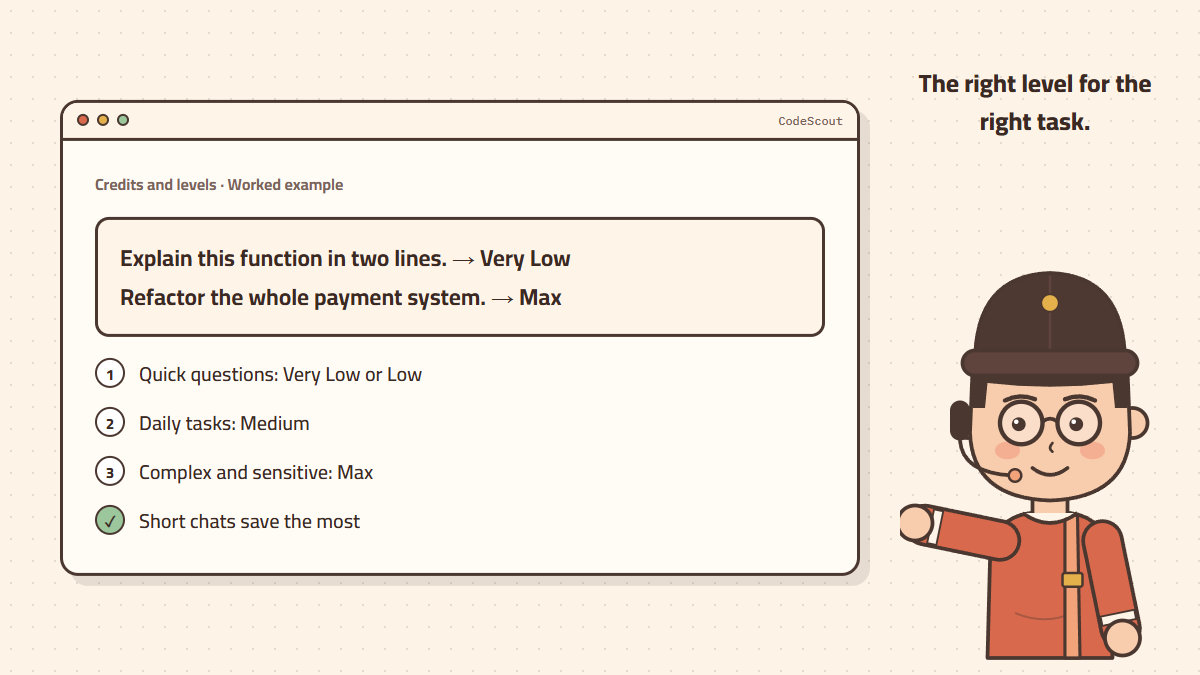
- "Explain this function in two lines" → Very Low.
- "Add a CSV export button to the orders table" → Medium.
- "Refactor the payment system to support several gateways" → Max.