WordPress
Connect WordPress and edit your theme safely
Connect a WordPress site to CodeScout with the WP CodeScout Connector plugin, choose its permissions, and edit your child theme with automatic backups.
· 3 min read
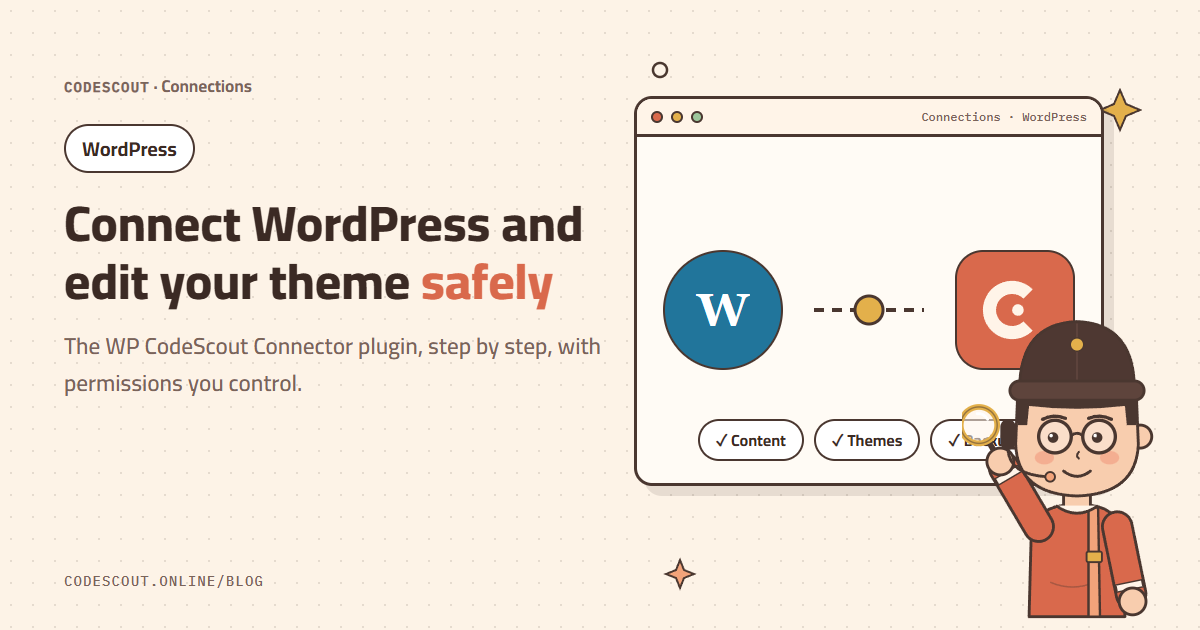
Connecting a WordPress site to your CodeScout project lets the agent work on the site directly: read and edit theme and plugin files, manage posts, pages and media, and install or update plugins. Most importantly, it does all of this only with the permissions you enable.
How to connect
- 01Install and activate the WP CodeScout Connector plugin from the WordPress dashboard.
- 02Open CodeScout Connector in the sidebar and create a new connection.
- 03Copy the connection ID (starts with
cs_) and the API token (starts withcsc_). The token is shown only once, so keep it until you paste it. - 04Choose which permissions this connection allows. Dangerous operations stay off until you turn them on yourself.
- 05In CodeScout click the connections button next to the message box, choose WordPress, paste the site URL, ID and token, and click Test and save.
If the test passes you will see the WordPress account the connection runs as, the WordPress and plugin versions, and the enabled permissions. If it fails, nothing is saved.
Try a first edit
List the installed plugins and themes, then change the header color in the child theme to #D96C4F.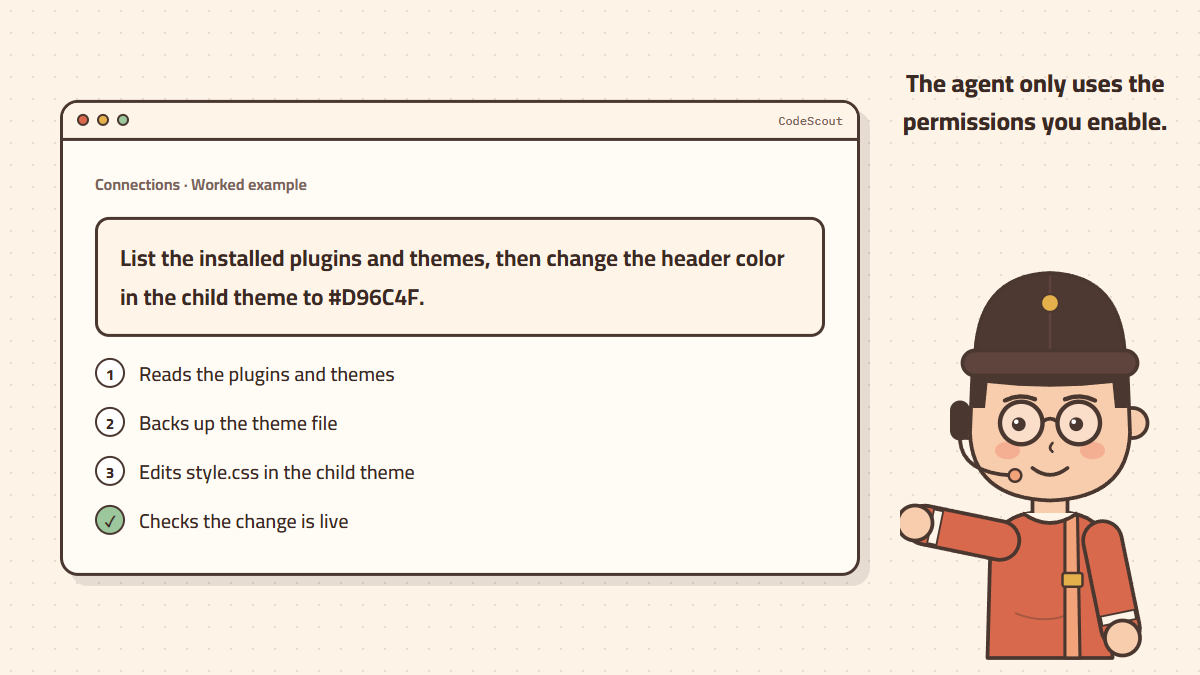
Why a child theme?
Any direct edit to the parent theme is lost when the theme updates. A child theme inherits everything from the parent and keeps your changes separate. If your site has none, ask the agent: "Create a child theme for the current theme and activate it."
Safety rules that protect you
- The API token is stored on your computer only and is never shown to the agent itself.
- The site must use https://; http is allowed only for local sites.
- The agent makes no change unless you ask, and takes a backup before editing files or data.
- You can remove the connection in CodeScout, or revoke the token from the plugin page, at any time.
If the plugin is reported missing, make sure it is active and that the URL is the exact address your site opens at. If a security plugin blocks the REST API, allow the /wp-json/codescout/v1 path.
Ideas for useful requests
- "Check the homepage speed and suggest plugins we can drop."
- "Publish a draft post titled X in the News category."
- "Update all plugins after a backup and tell me if any update failed."
Once your site is connected, try building a WooCommerce store in 10 minutes.