Development
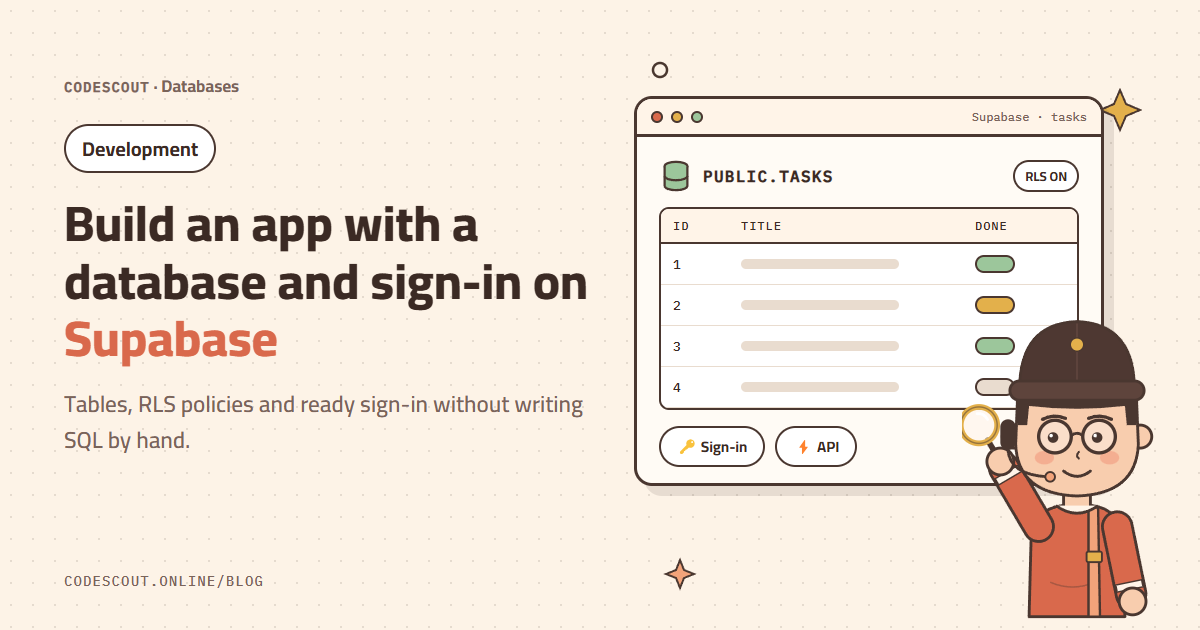
Build an app with a database and sign-in on Supabase
Connect your project to Supabase and let CodeScout build a full app: tables, RLS policies that protect each user’s data, and email sign-in.
· 2 min read
Most apps need the same foundation: users who sign in, data that is saved, and every user seeing only their own data. Supabase gives you all of that, and CodeScout can build it from scratch with a few clear requests.
Connect the project to Supabase
- 01Create a new project in the Supabase dashboard.
- 02In CodeScout click the connections button next to the message box and choose Supabase.
- 03Paste your project details into the dialog. The connection is saved for this project only, so you won’t need to repeat it.
Ask for the app
Build a React to-do app connected to Supabase:
- email and password sign-in
- a tasks table with a title and a done flag
- each user can only see and edit their own tasks
Then test adding and deleting when you are done.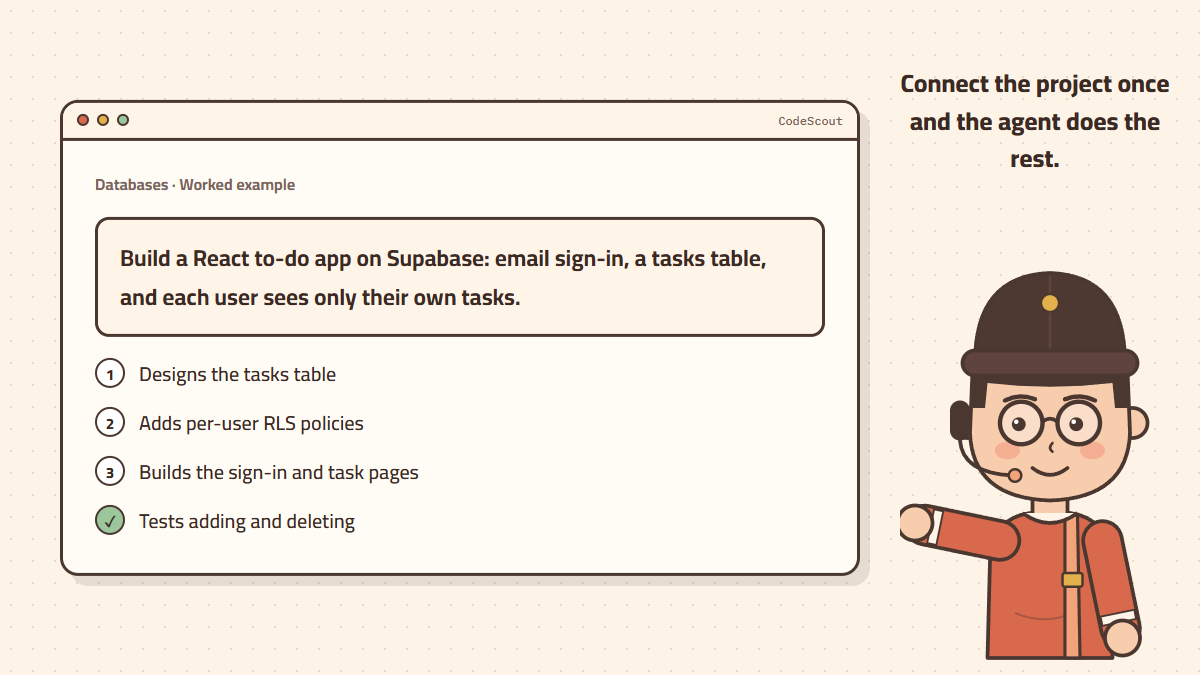
Why RLS matters so much
In Supabase the app talks to the database straight from the browser. Without RLS policies (row level security), anyone holding the app key could read other people’s data. When you ask that "each user sees only their own tasks", the agent writes policies that tie every row to its owner through auth.uid().
Review what was built
- Ask the agent to explain each RLS policy in one line.
- Open the app with two different accounts and confirm neither sees the other’s tasks.
- Ask for a clear migration file so you can rebuild the database at any time.
The Supabase service_role key bypasses every security policy. Never put it in front-end code or push it to GitHub.
Growing the app
- "Add sign-in with Google."
- "Add due dates to tasks and a filter for overdue ones."
- "Build a stats page with the number of tasks completed each week."
Each request builds on the previous one. Keep every big task in a new chat so the context stays focused and your credit lasts longer.