Development
Fix bugs faster: the error message is enough
Paste the error or attach a screenshot, and let the CodeScout agent trace the real cause, fix it, and verify the fix itself. A practical way to debug.
· 2 min read
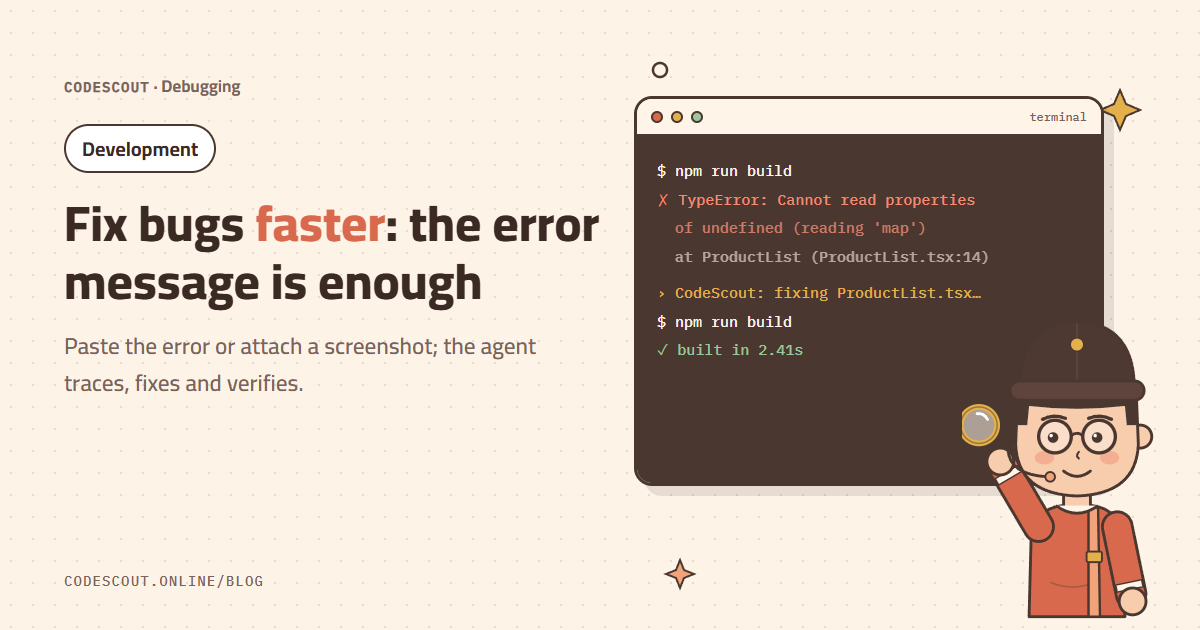
The hardest part of fixing a bug isn’t the fix, it’s finding the cause. The CodeScout agent reads the error, opens the file at the reported line, follows the value back to its source, fixes it and tries again. Your job is to give it the right information.
Paste the whole error
The build fails with this error:
TypeError: Cannot read properties of undefined (reading 'map')
    at ProductList (ProductList.tsx:14)
Fix it and run the build again.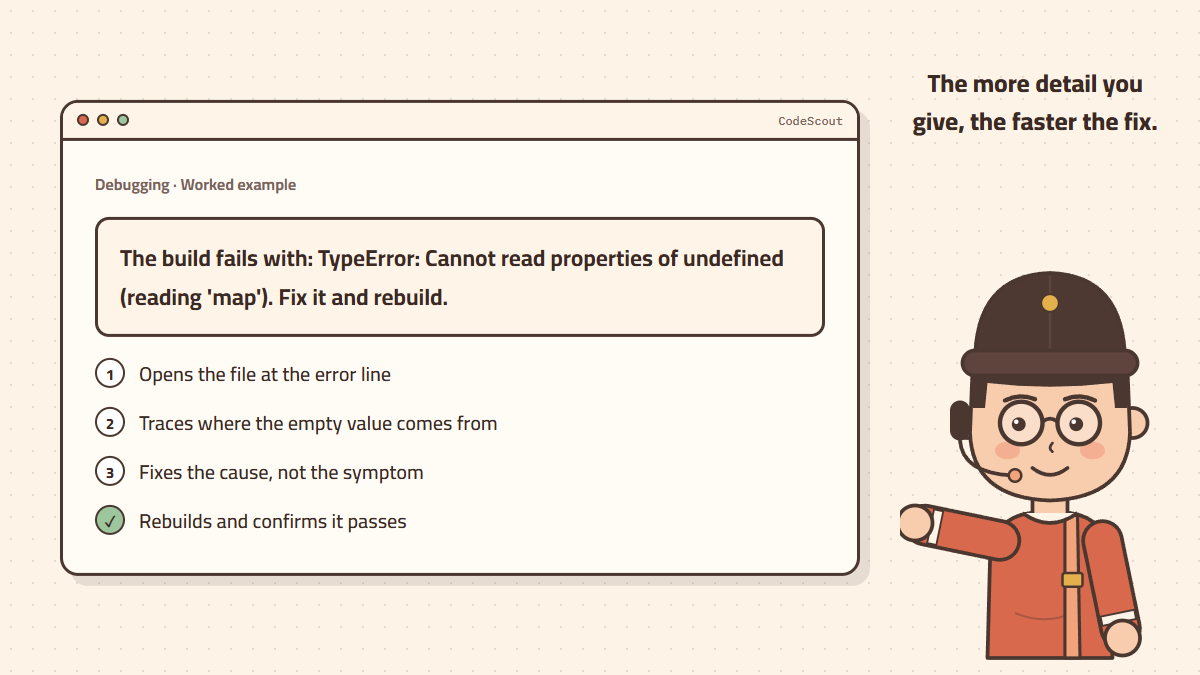
Paste the full message with its stack trace, not just the first line. Line numbers and file names cut the search short.
Screenshots for visual bugs
If the problem is visual (an element out of place, text overflowing the screen, wrong colors), attach a screenshot to your message and describe how it should look. The agent sees the image and links it to the code responsible.
Fix the cause, not the symptom
A quick fix might just add ?. and move on, which hides the problem. Ask explicitly: "Find out why this value is empty in the first place and fix the cause." The agent will go back to the data source and handle the case that triggers the error.
Bugs that appear only sometimes
- 01Describe when it happens: "Only when the user comes back with the browser’s back button."
- 02Ask the agent to add temporary logging where it suspects the problem.
- 03Run the scenario and paste the output back.
- 04After the fix, ask it to remove the temporary logging.
Lock the door on it
Once the bug is fixed, ask: "Write a test that fails if this bug comes back." Any future change that breaks the same spot will be caught right away. For a wider review, try /code-review mode.
For very hard bugs (race conditions, or bugs spanning many files) the Max level is worth it. For ordinary bugs Medium is enough. Learn more in choosing the right quality level.